
LESS GUESSING. MORE LISTENING.
Hear what changed between versions.
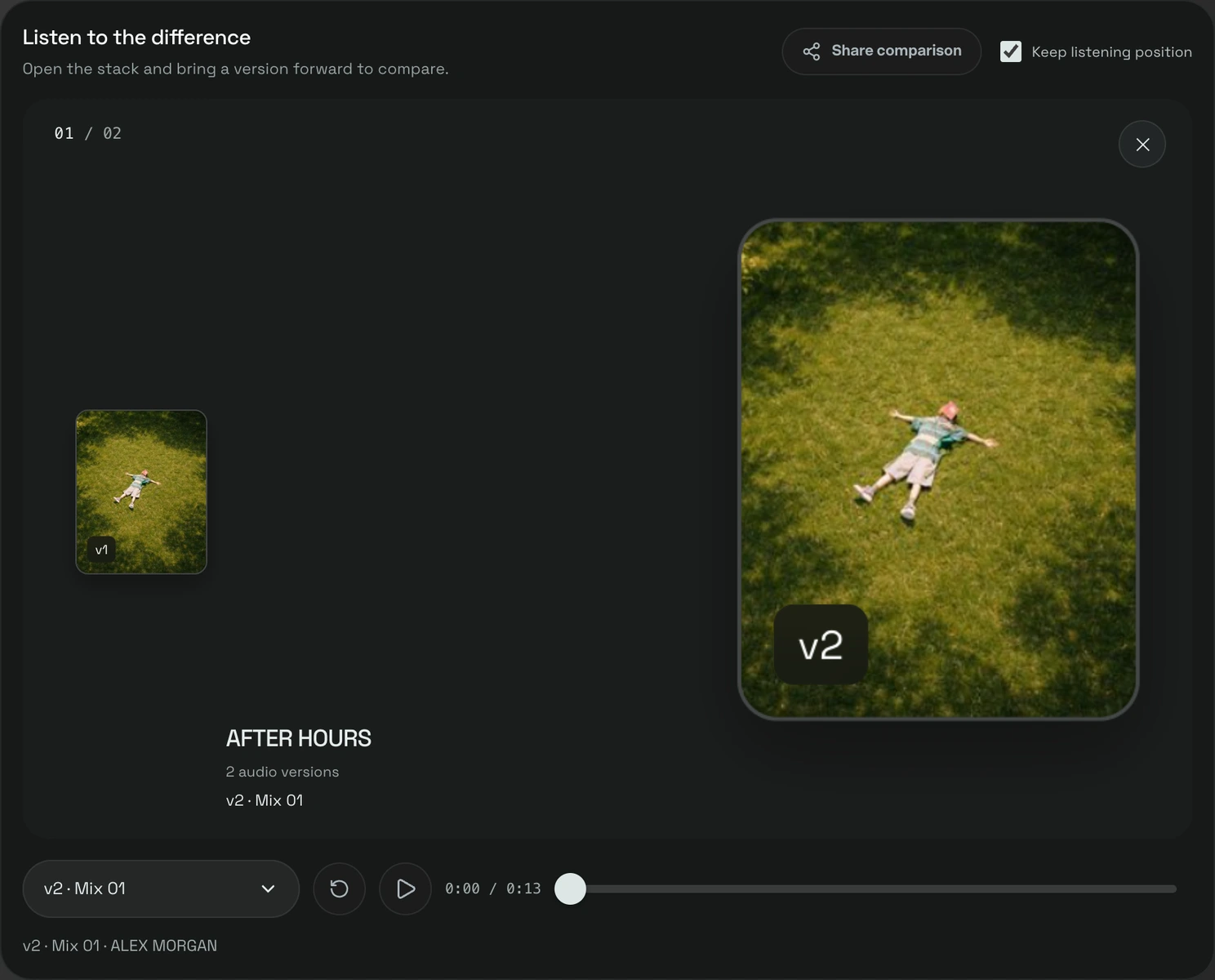
Compare audio versions in wuse at the same listening position. Try blind comparison and matched audition volume, then share the comparison with your team.
7 days · 10 GB · Billed afterward unless cancelled. See plans
Keep the bounces in one project
Upload at least two audio versions to the same project. Label each change so the team knows what is ready to review.
Listen to the same passage
Open Compare versions and keep the listening position while switching. Use blind comparison to choose before revealing the version name.
Share the comparison
Create a comparison link so your team can listen, switch versions and leave comments attached to the version being reviewed.
INTERACTIVE EXAMPLE / NO ACCOUNT
Same moment. Two versions.
An original 12-second synthetic loop made for this example. No private music. Nothing is sent to a wuse project.
Tap or drag the waveform to choose a moment. With a keyboard, use the arrow keys; hold Shift for 0.1-second steps.
Loading example audio…
IN YOUR WORKSPACE
Bring your own music.
Open Library to upload a song, or use Projects to keep versions together. Your account and plan permissions apply.
An audition tool, not an audio editor
Matching volume adjusts playback only. It needs a valid loudness measurement for each version; measurement can take time or fail for unsupported, oversized or silent audio. Your original files stay unchanged.
Keep listening position preserves elapsed time. It does not align recordings with different start offsets or stretch different arrangements.
The demo below uses two original synthetic loops. Its level switch applies a known sample gain; the app uses loudness measurements. This is not a mastering service or an ABX significance test.
Before you start
Can I compare without seeing the names?
Yes. Blind comparison hides version labels while you listen; you can choose an option and then reveal it.
Does matching volume change my files?
No. It changes the audition level. Loudness measurements are required for all compared versions.
Can I compare one file?
You need at least two versions for a meaningful comparison. A single shared song uses the listening page instead.